
Aimbot
Overwatch 2 Aimbot Settings You Can Actually Use
Overwatch 2 aimbot is not one slider. Tracking, flickbot, and trigger bot need different FOV and speed. Here is a calm starting point inside Overwatch 2 Hacks.
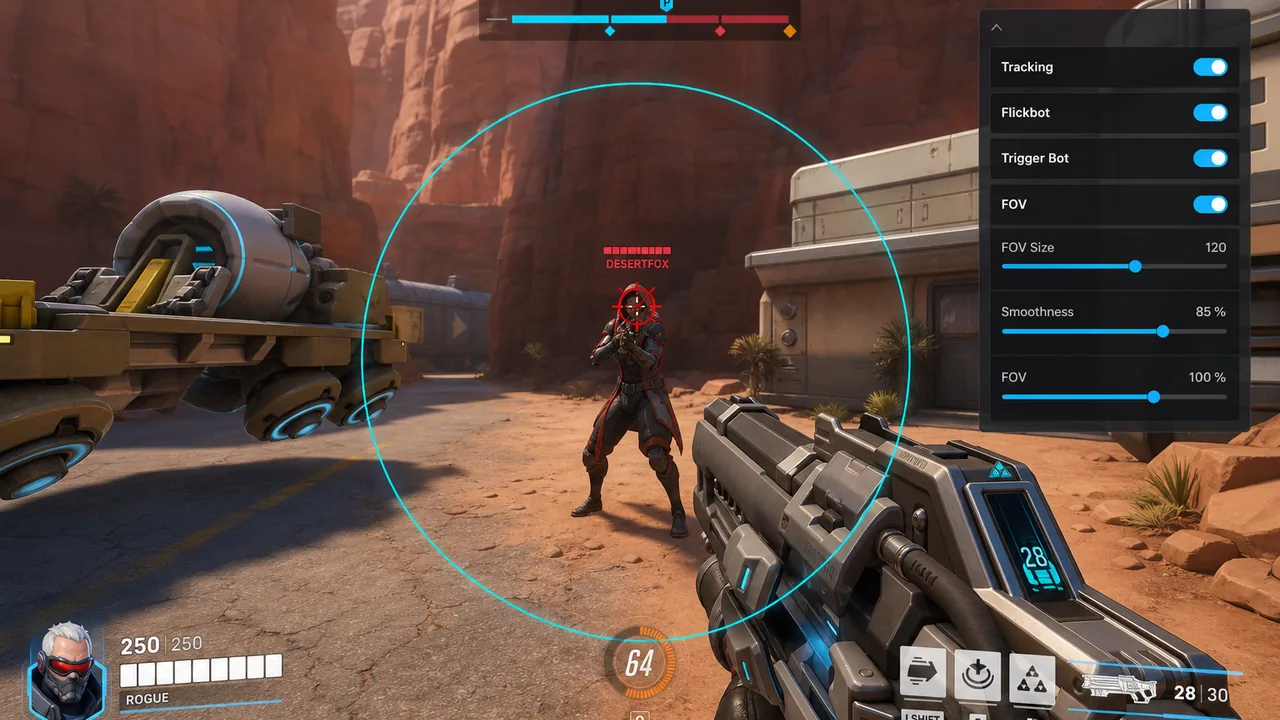
Tracking vs flickbot vs trigger bot
Tracking follows a moving target inside your FOV. Flickbot snaps then settles — useful for Widow and Hanzo. Trigger bot fires when the crosshair is valid, which pairs with hitscan.
Start with a small FOV, medium tracking speed, and trigger bot off until you understand the menu. Raise strength only when you accept more risk.
FOV, bones, and prediction
Dynamic FOV and separate FOVs let hitscan and projectile heroes feel different. Bone targeting and target closest bone stop the aim from bouncing between head and body.
Projectile heroes need prediction and gravity prediction. Hitscan heroes usually want less prediction and tighter FOV. Hero-specific options exist so Genji and Soldier do not share one profile.
Keybinds and aim layers
Bind aim hold, autoshoot, and skill keybinding in Aim 2 so you can turn help off mid-fight. Aim layers let you stack a light tracking layer under a flick layer.
Full control lists live on Overwatch 2 aimbot and Features. Buy from Store when you are ready.